A task list that tracks time against the day you actually had. One list on your Linux, Windows or macOS desktop and your Android phone, synced through a private repository you own.
Download for Android Download for Linux Download for Windows Download for macOS
The AppImage runs anywhere: chmod +x and go. A .deb and an
.msi are on the
releases page. The
Linux builds are made on Ubuntu 22.04 so they run on older systems too; the Windows
installer is not code-signed, so SmartScreen asks once. The macOS build runs on Apple
Silicon and Intel; it is not notarized, so the first launch needs Open Anyway in System
Settings, Privacy and Security.
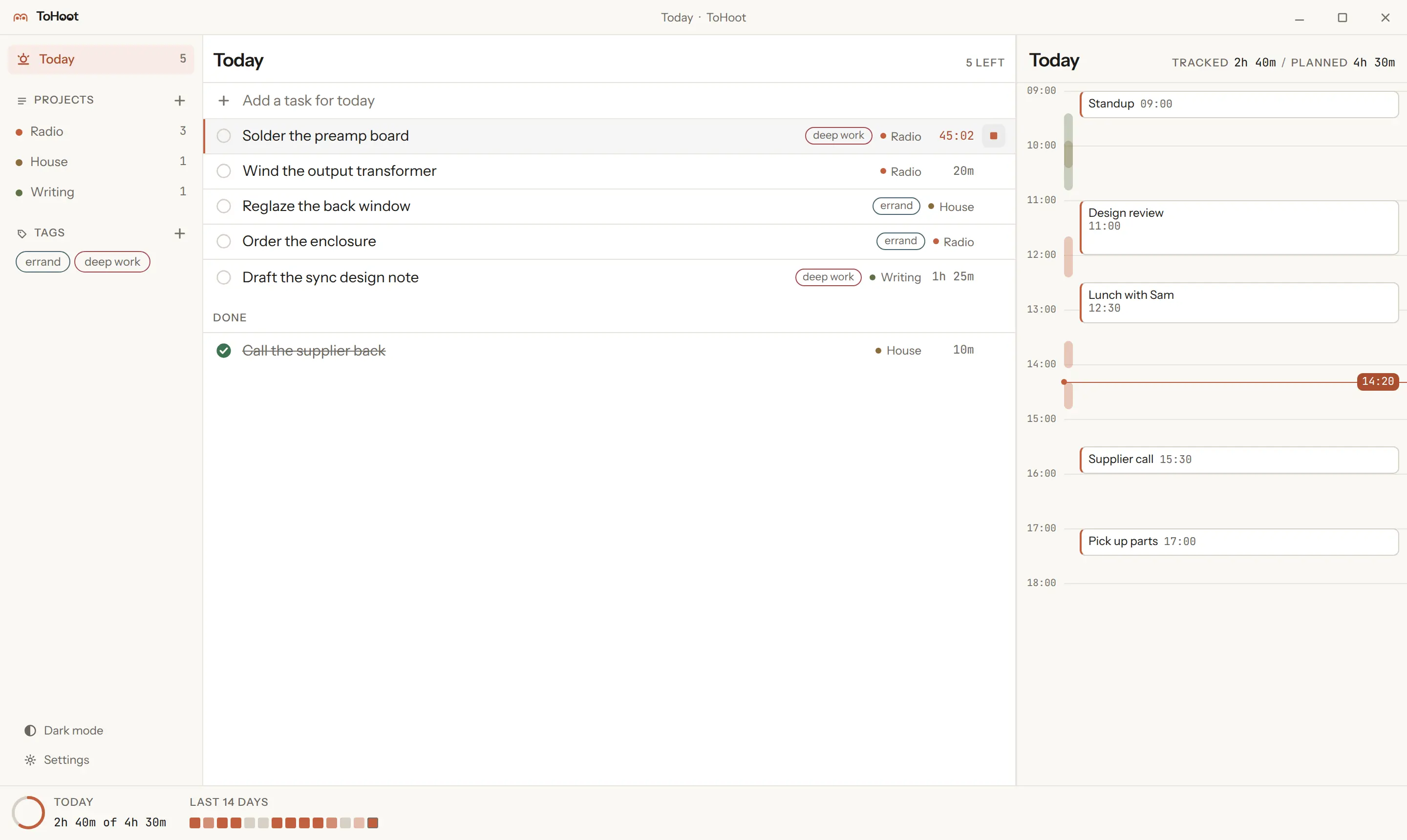
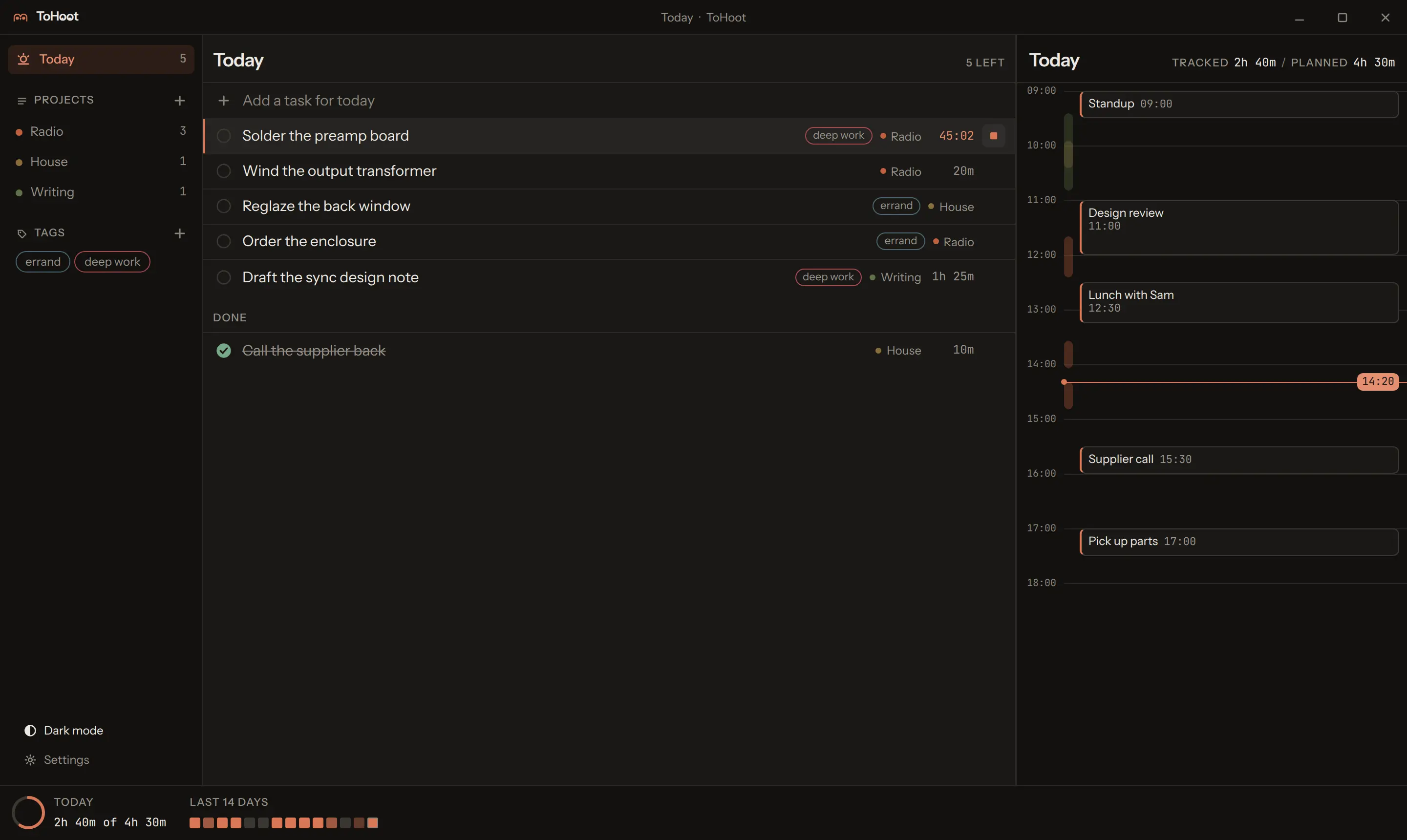
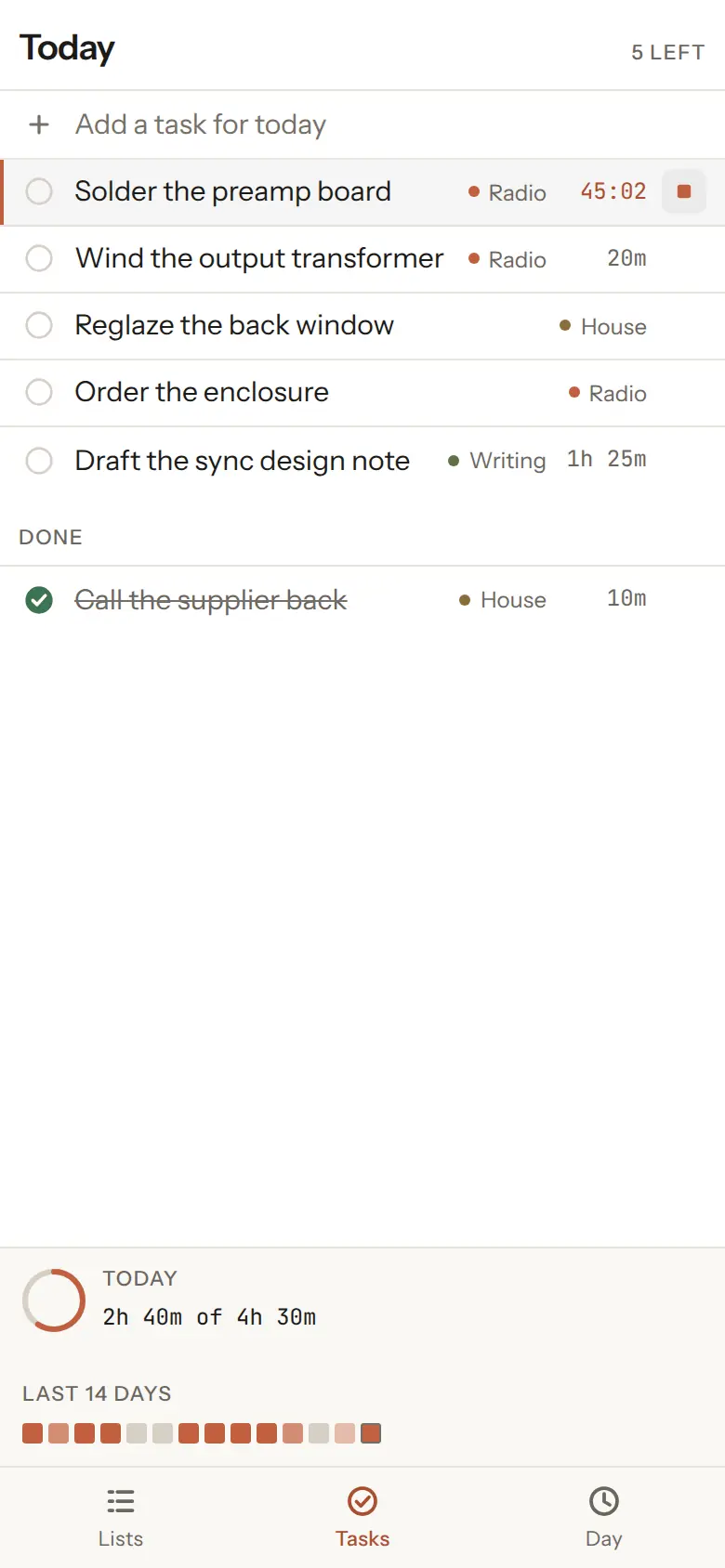
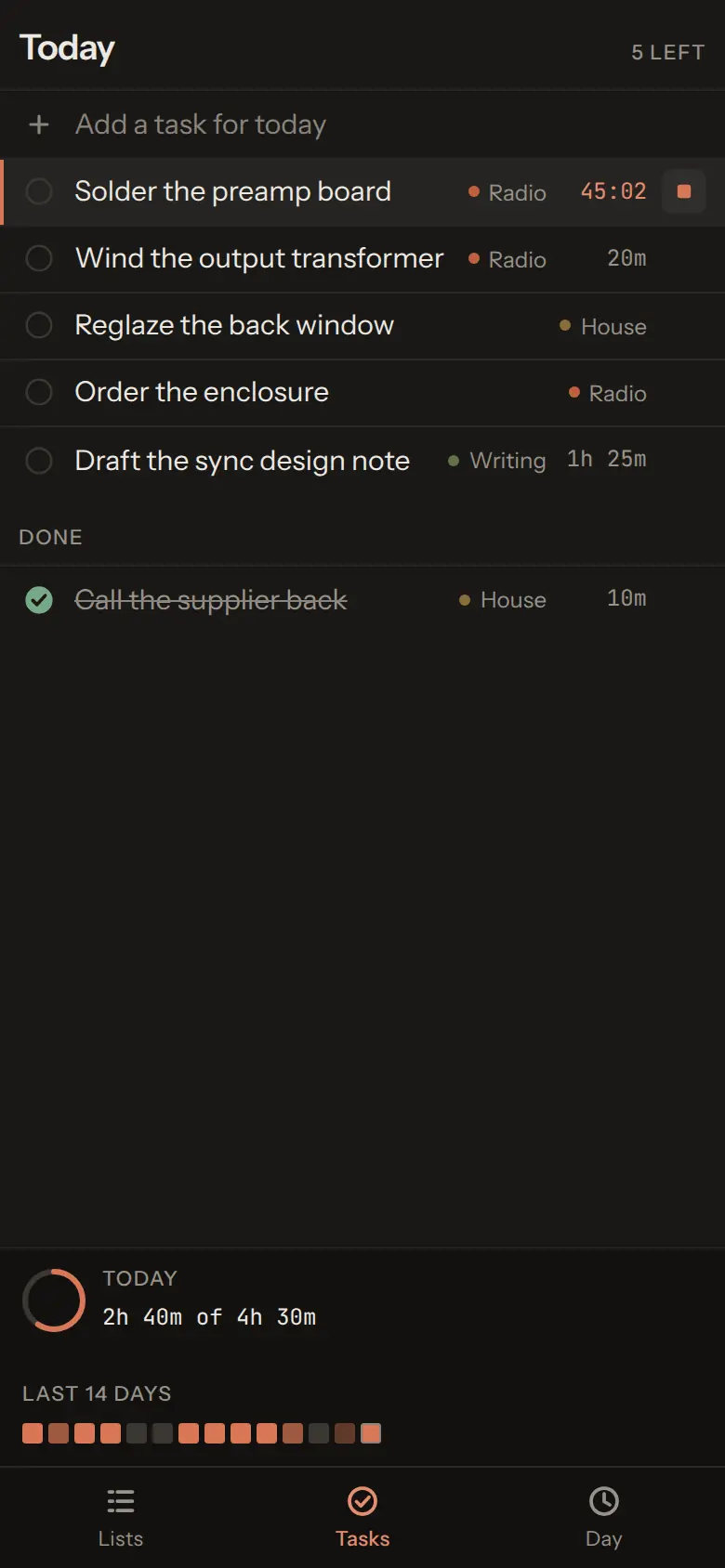
What it is for
Four things it does, and nothing else
- One list on every device.
- The same tasks on the desktop and on the phone, without an account with anyone. Both devices append to one log and both replay it, so a change made offline on one lands on the other whenever it next reaches the network.
- Time tracked against your real calendar.
- The day view puts what you tracked next to what was already in your calendar, in the same column. Tracked time is written back to a separate calendar, so a week of work is visible where the rest of your commitments are and your real calendars are never touched.
- Your data in your own private repository.
-
An append-only event log in a private GitHub repository you own, as plain JSON you
can read with
cat. There is no server in the middle and nothing to export from, because it was never anywhere else. - Ask any agent to add a task, from anywhere.
- An MCP server offers fifteen tools over the same log: tasks, timers, projects and tags, by name. Claude, ChatGPT, Codex, Gemini CLI, Cursor and VS Code all speak MCP, and one press in the app adds it to each agent on your computer. A task an agent adds is one event appended to the log, indistinguishable from one you typed.
What it costs
Nothing, and there is nowhere to enter a card
Every service in the stack has a free tier that stops working when you exceed it rather than starting to bill you. There is no paid plan to be upgraded onto, because there is no hosted service: what runs is running in your accounts.
| Service | What it does here | Free tier | At the limit |
|---|---|---|---|
| GitHub Free | Holds your private data repository | Unlimited private repositories | 403 with Retry-After |
| GitHub Actions | Builds the releases | Unmetered on public repositories | Not applicable |
| GitHub Releases | Hosts the downloads above | Unmetered bandwidth, 2 GiB a file | Not applicable |
| Google Calendar API v3 | Your calendar, read and written by the app | Free, with no billing account | Quota error |
| Cloudflare Workers Free | Optional MCP endpoint for assistants on the web | 100,000 requests a day on workers.dev |
HTTP error, never a bill |
| Sideloaded APK | Installing it on your phone | No Play Console account | Not applicable |
Set up
Four steps, and only the first one is required
The app walks through these as a first-run wizard you can resume or skip. Every connection does the real operation and shows it happening, line by line, and reports the actual error when one fails. This is the same sequence, so the page and the app cannot disagree.
-
Local only
Install it and use it. Tasks, projects, tags, timers and the day view all work with no accounts at all. If a local task tracker is what you wanted, you are done.
-
Sync
Press Sign in with GitHub and enter the code it shows on github.com. The app finds or creates the private data repository, names the device, and writes a commit and reads it back before saying it worked. A fine-grained token still works instead.
-
Calendar
Optional. Press Sign in with Google, approve the app in your browser, and your day appears beside your tasks with tracked time written to a calendar of its own. A secret calendar address in ICS format is the read-only shortcut, and the Apps Script bridge is still there for a deployment that already exists.
-
Agents
Optional. Press Add beside Claude Code, Codex, Gemini CLI, Cursor, VS Code, Windsurf or opencode, and the app writes itself into that agent's settings. For Claude or ChatGPT on the web and on your phone, press Sign in and deploy: the app signs in with your free Cloudflare account, uploads the endpoint, and hands you the URL to add as a connector. Skipping this changes nothing else.
The long version, with the exact clicks and what each error means.
Build from source
For anyone who will not run a binary someone else compiled
Node 22 and npm 10 or newer. The tests run on a fresh clone with no build step first.
git clone https://github.com/danieltyukov/to-hoot.git
cd to-hoot
npm ci
npm test
npm run build
That builds the web application, which is the whole app. The desktop and mobile targets
are shells around it, each built separately because the Tauri and Capacitor CLIs both
want a flat node_modules:
cd apps/desktop && npm install && npm run build
cd apps/mobile  && npm install && npm run apk:debug
No keystore is needed to build: debug builds sign themselves, and a release build with no signing material stays unsigned rather than failing. CONTRIBUTING has the toolchain package list and how to run each suite.